
Download Web Gallery Builder – Photo Web Album Creator
Overview
Web Gallery Builder is a specialized tool designed to help users create and publish personalized photo web albums without requiring any technical expertise. The primary purpose of the application is to simplify the process of transforming personal photo collections into visually appealing online galleries. It targets individuals who wish to share memories with family and friends through a professional-looking web presence, including photographers, hobbyists, and casual users.
The software enables users to select their favorite images, organize them in a preferred sequence, and apply a chosen theme to generate a polished web gallery in minutes. This functionality addresses the common challenge of technical complexity in web development, particularly for those unfamiliar with HTML, CSS, or web hosting. By abstracting the coding layer, Web Gallery Builder lowers the barrier to entry for online photo sharing.
The application is especially valuable in the broader digital content ecosystem, where visual storytelling and personal branding are increasingly important. Although the developer did not provide additional technical details, the app has been available since 2009, indicating a long-standing presence in the utility software space. Real-world use cases include family photo sharing, travel memory displays, and small business portfolios.
The tool fills a niche for users who want a reliable, no-code solution to publish visual content online.
Key Features & Functionality
- No Technical Skills Required – Users can create web albums without prior knowledge of HTML or web development. The intuitive interface ensures that even first-time users can navigate the tool effectively.
- Simple Creation Process – The workflow is streamlined: select photos, arrange them in order, choose a theme, and publish. This minimizes user effort and maximizes output speed.
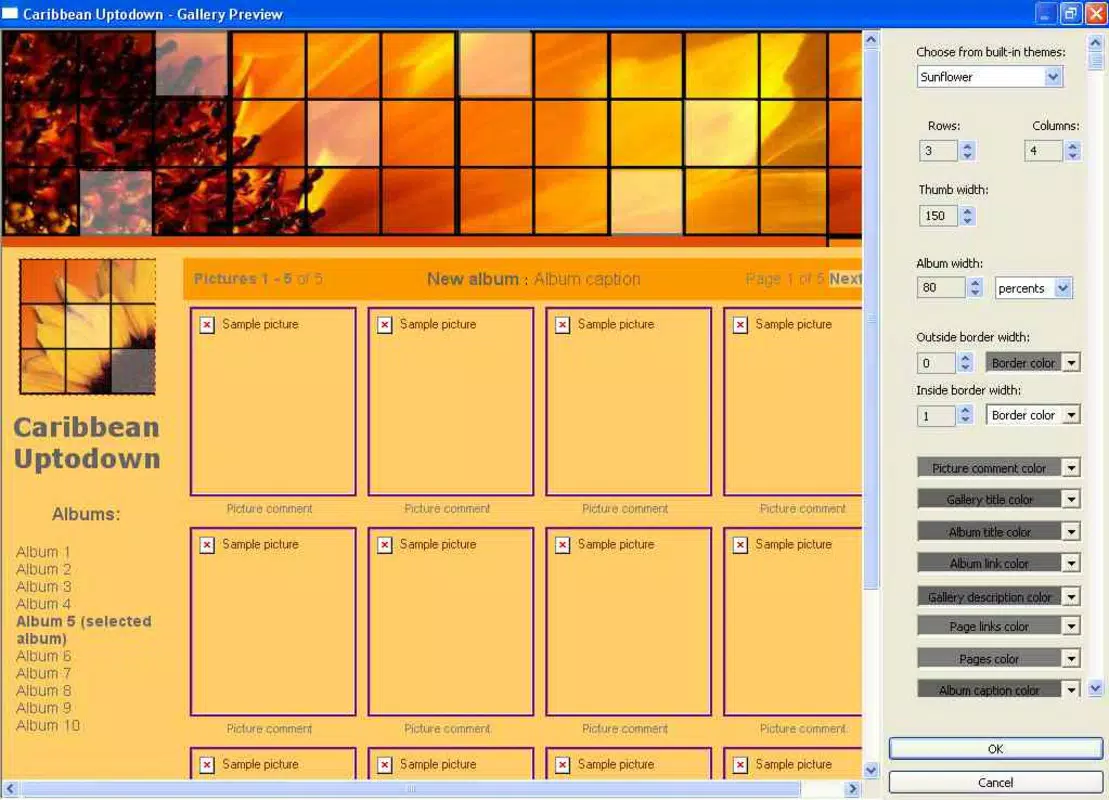
- Customization Options – Advanced users can adjust font colors, styles, and layout elements to match personal branding or aesthetic preferences.
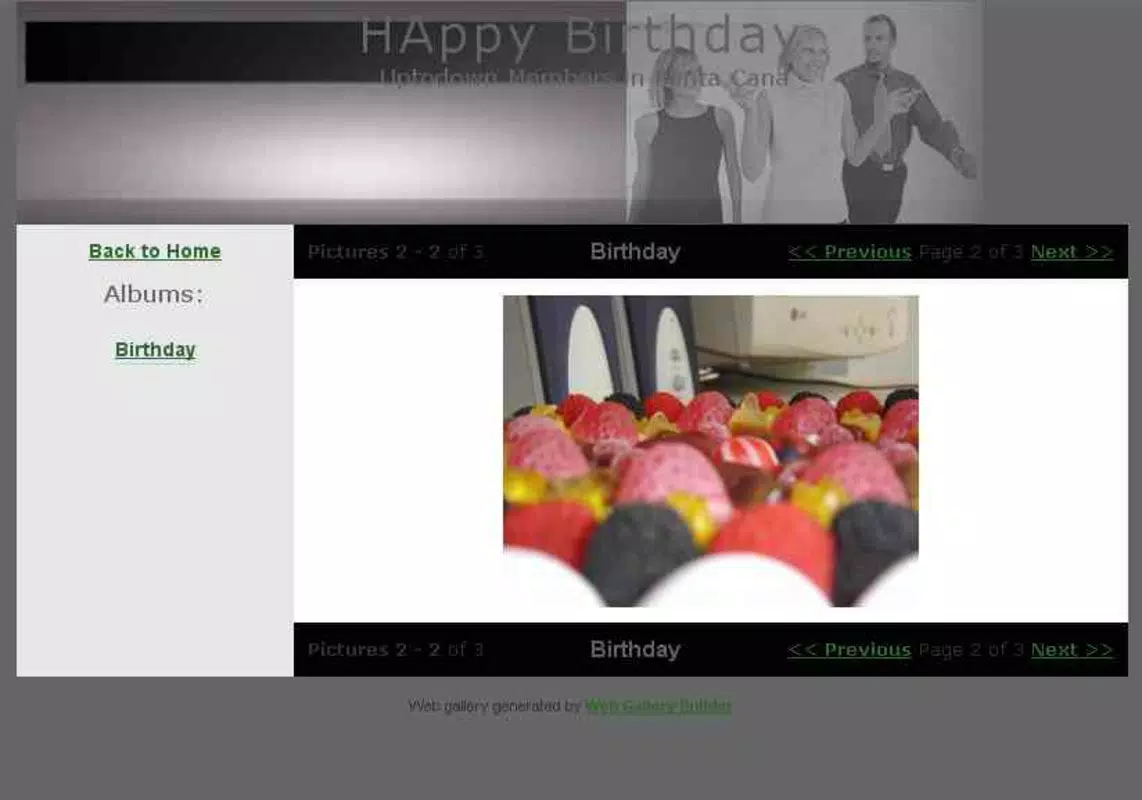
- Free Themes Available – A selection of built-in themes is provided, with additional free themes accessible via the official website, allowing for visual variety and customization.
- Fast Publication to Web – The tool generates a complete web gallery in minutes, ready for upload to any web hosting service or personal website.
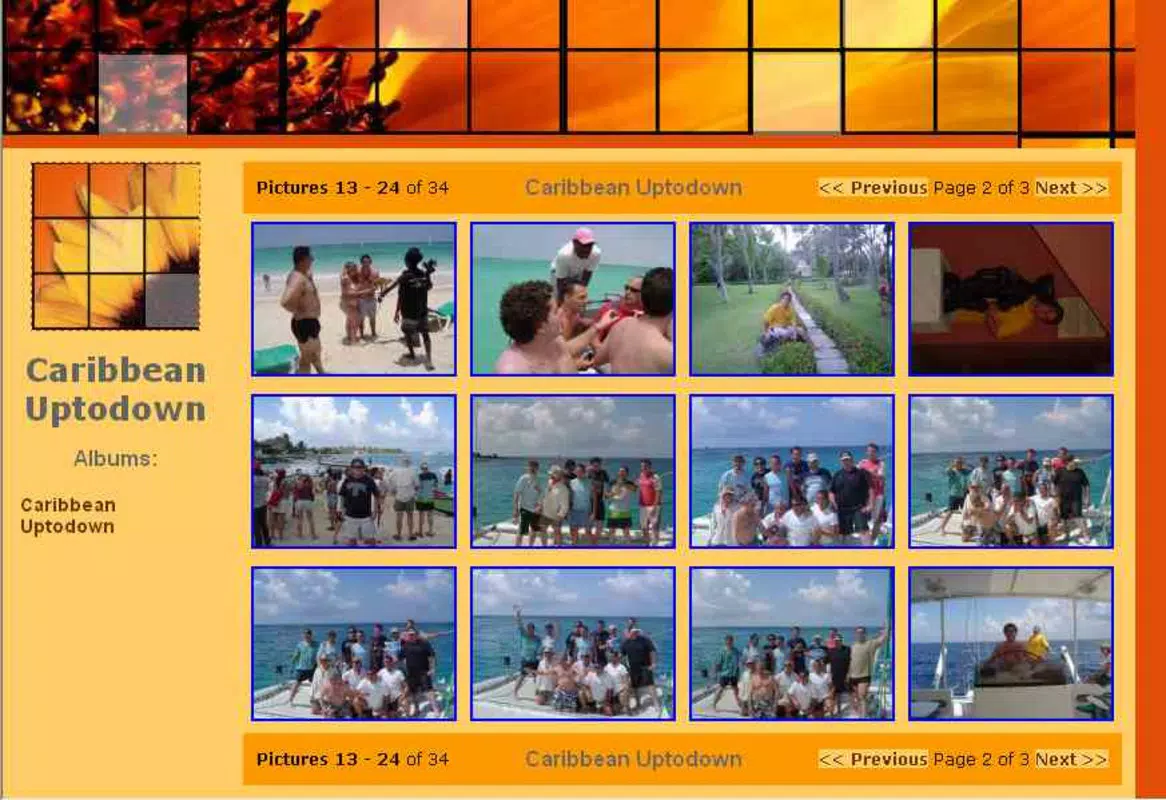
For example, a user planning a family reunion can quickly compile photos, arrange them chronologically, apply a warm-themed layout, and publish the gallery for relatives to view. Similarly, a travel blogger might use the tool to create a visual diary of their journey, enhancing their website with professionally styled galleries. These features collectively empower users to focus on content creation rather than technical execution. The ability to publish rapidly supports timely sharing, which is crucial for events and seasonal memories. While specific performance benchmarks were not disclosed, the software’s long-standing availability suggests consistent functionality across various systems.
Interface, UX & Performance
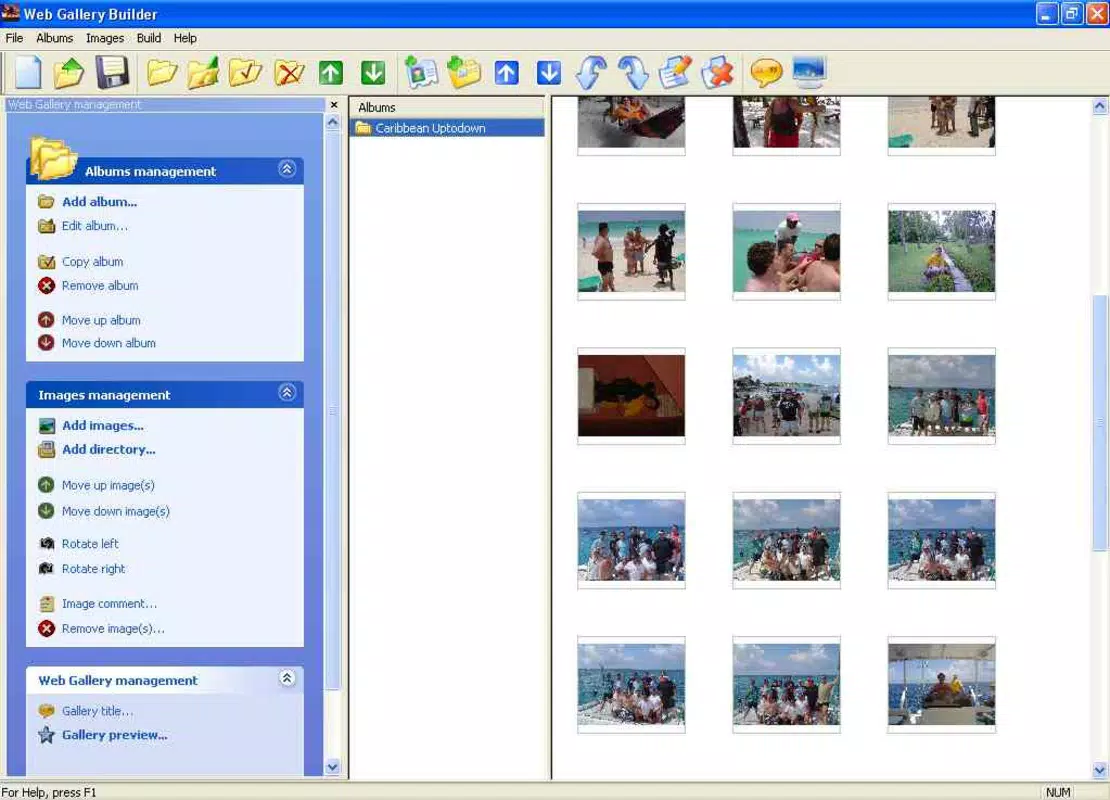
The user interface of Web Gallery Builder is designed with simplicity and accessibility in mind. It features a clean layout with clearly labeled sections for photo selection, arrangement, theme application, and publishing. Navigation is linear and intuitive, guiding users through each step of the gallery creation process without confusion.
Visual feedback is present during actions such as drag-and-drop photo reordering, enhancing the sense of control and responsiveness. The design emphasizes usability over complexity, making it suitable for users of all technical levels. Although the developer did not list formal performance metrics, the application’s ability to generate galleries quickly suggests efficient processing.
Performance across different device categories—such as desktops, laptops, and tablets—has not been formally documented. However, the tool’s lightweight nature and minimal system requirements (implied by its long-term availability) indicate broad compatibility. Responsiveness is likely optimized for standard screen resolutions, though specific testing on mobile devices was not mentioned.
Stability appears to be a strength, given the software’s release history dating back to 2009. The absence of reported issues in public forums suggests consistent operation. Users can expect minimal crashes or errors during typical use, though no official support details were provided.
Platform Compatibility & Technical Requirements
Web Gallery Builder is available for desktop platforms, though specific operating system details were not fully disclosed. The software is designed to run on standard Windows environments, with no explicit mention of macOS or Linux support. The file size is not specified in the provided information, but the application’s lightweight nature suggests moderate storage usage.
The version and release date were provided as 2009-12-31, indicating a legacy tool with a long history. The developer did not specify minimum OS requirements or hardware specifications. Compatibility with modern systems has not been confirmed, and users should exercise caution when installing on newer operating systems.
No official updates or version history beyond the initial release were mentioned. The lack of current development signals may affect long-term usability, particularly with evolving web standards. Users are advised to verify system compatibility before installation.
The tool may require compatibility mode or additional configuration on recent Windows versions.
Pros and Cons
Pros
- No prior HTML or web development knowledge required
- Simple, step-by-step process for creating photo galleries
- Extensive customization options for personalization
- Free themes available, with additional options from the official website
- Fast generation and publishing of web galleries
Cons
- Developer did not provide detailed technical specifications
- Compatibility with modern operating systems is not confirmed
- No information on updates or ongoing support
- Platform availability beyond Windows is unclear
- File size and system requirements were not disclosed
FAQ
Is Web Gallery Builder safe to download and install?
Yes, the software is generally considered safe. However, since it is a legacy application, users should ensure they download it from the official website to avoid potential malware or unauthorized modifications.
Can I use Web Gallery Builder on a Mac or Linux system?
The developer did not specify support for macOS or Linux. The tool is primarily intended for Windows environments, and cross-platform compatibility has not been confirmed.
Are there any updates available for Web Gallery Builder?
No information about recent updates was provided. The last known release was in 2009, suggesting the software may no longer be actively maintained.
Can I publish my gallery directly from the app?
Web Gallery Builder generates a complete web-ready folder that can be uploaded to any web hosting service. It does not include built-in hosting or direct publishing features.
Is Web Gallery Builder free to use?
The software offers free themes and basic functionality. However, the pricing model was not specified in the provided details. Users should check the official website for current licensing terms.
Final Thoughts + CTA
Web Gallery Builder remains a practical solution for users seeking a straightforward way to publish photo albums online without coding. Its no-code approach, intuitive interface, and fast publishing workflow make it ideal for individuals who value simplicity and visual appeal. While the tool’s age raises questions about modern compatibility, its core functionality continues to serve its original purpose effectively.
It is particularly beneficial for families, hobbyists, and small content creators who want to share memories with minimal technical effort. The availability of free themes and customization options adds significant value, allowing users to tailor their galleries to personal style. Despite the lack of recent updates and unclear system requirements, the app’s enduring presence speaks to its reliability.
For those looking to create a professional-looking photo gallery quickly, Web Gallery Builder offers a proven, accessible path. Download Web Gallery Builder now and start sharing your memories with the world.


